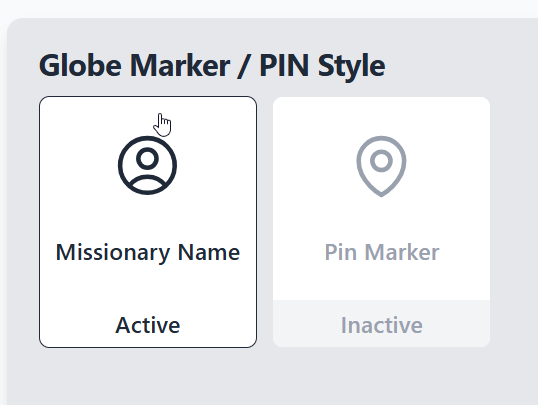
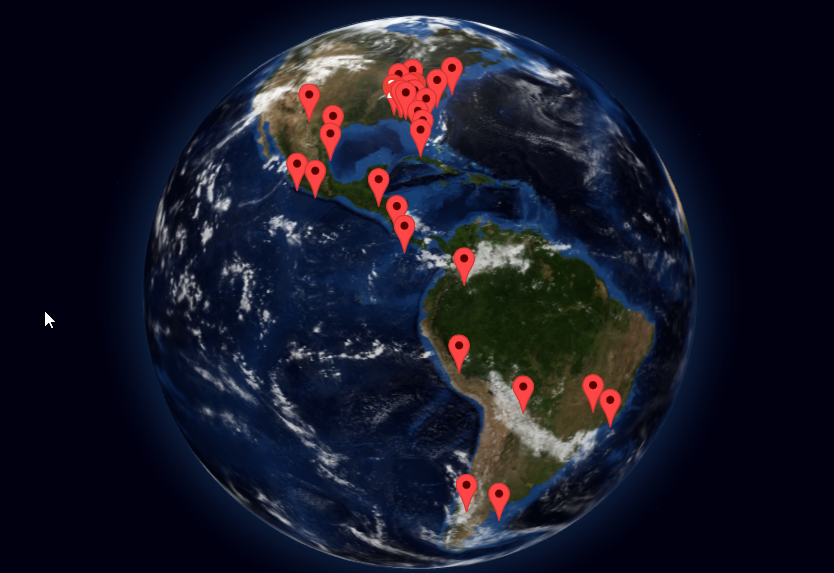
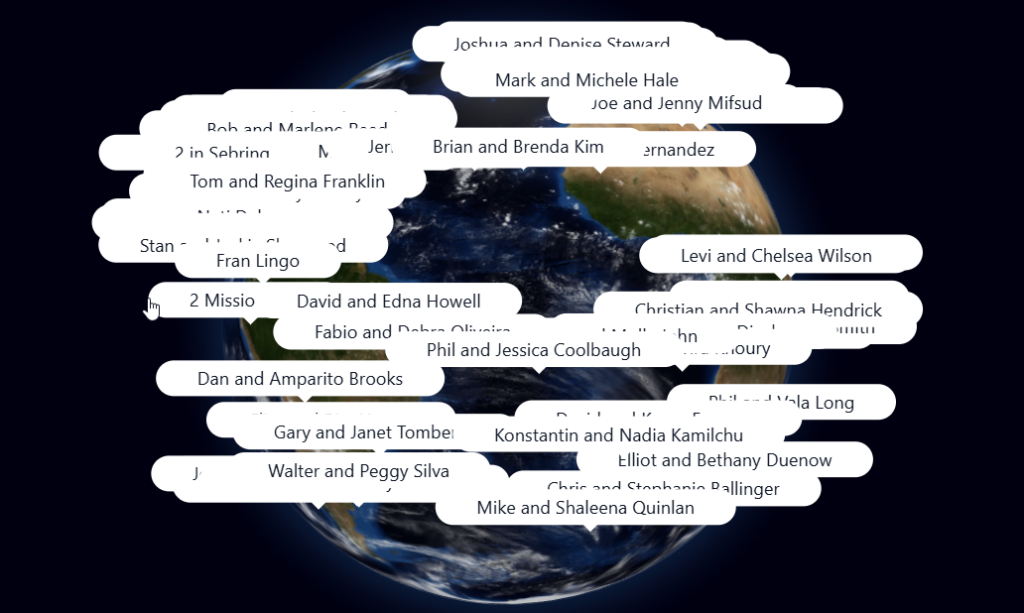
The Spinning Globe has 2 settings. Missionary Name and Pin Marker. Pin Markers are red drop pins that display instead of Missionary Names. The Flat Map will display location beacon. When tapped, the Missionary Profile Opens.
If your church supports more than 70 missionaries, the Spinning Globe may begin to feel crowded. Switching to Map Pins provides a cleaner and more spacious view.
 Doc Summary